

 Košík.cz
  Rohlík.cz
  Knuspr.de
  Gurkerl.at
  Kifli.hu
 Books, films, products, articles
Filed where you will find them again — as cards with everything that belongs to them, not as a link in a list.
Recipes, places and a shopping list
Share a recipe or a place from your feed. The ingredients end up on your shopping list, the venue on your own map.

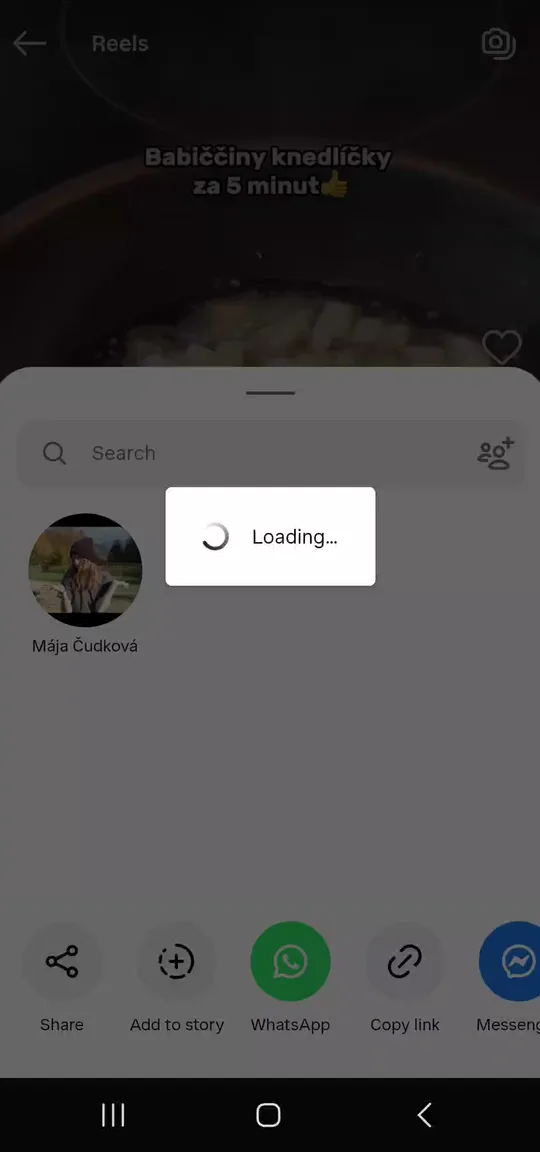

A recording from the app: a post is shared into StashFlow, comes back as a recipe with its ingredients, and the ingredients land on the shopping list.
Android. In English, Czech, Slovak, Polish, German, Hungarian, Italian, French, Spanish and Portuguese. Light and dark mode, 12 colour themes.
Every network’s saved folder is the same thing: an archive you only ever put things into. You cannot search it, the ingredients never come out of it, and the restaurant from that reel is four hundred saves down by the time you are finally in that city.
StashFlow is the other half of that gesture. A saved post comes back as a recipe with its ingredients, a line on your shopping list, a pin on your map. Nothing to type out.
You are standing in TikTok or Instagram, you hit Share, and you pick StashFlow from the sheet. That is your part done.
And any website. If the recipe or the venue address is in the post, StashFlow reads it.
StashFlow has no “add” button. Sharing is how things get in, so there is nothing to type out and nothing to sort.
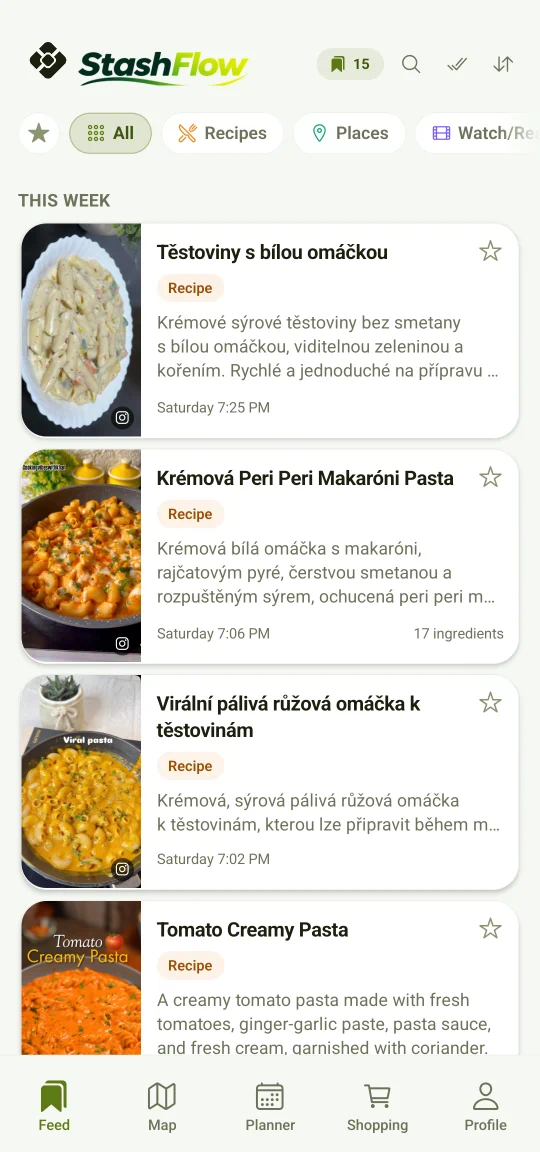
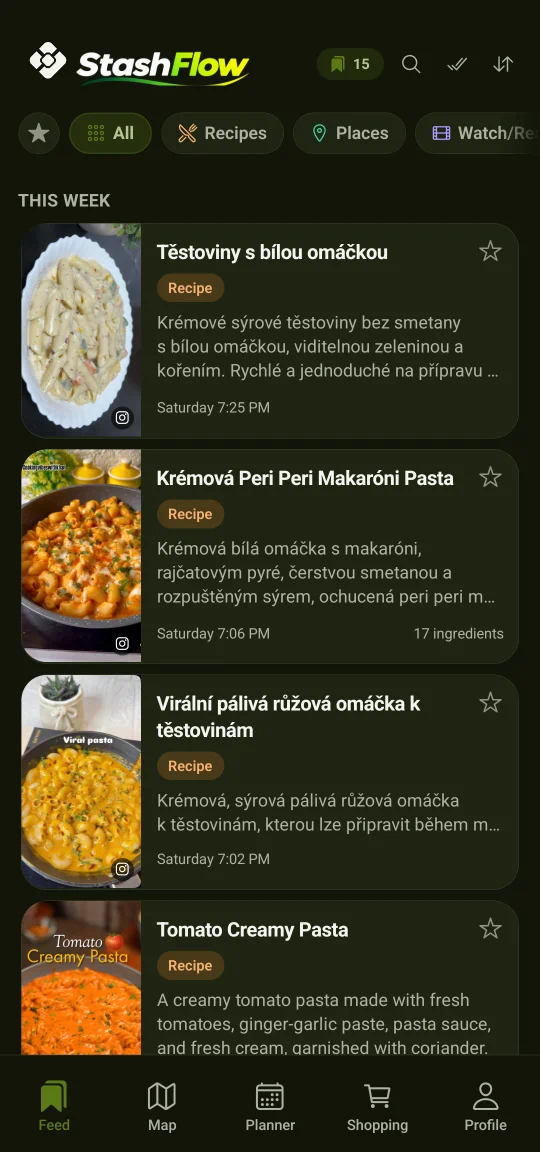
A loop: StashFlow is picked out of the share panel, and a moment later the post is a card in the app.
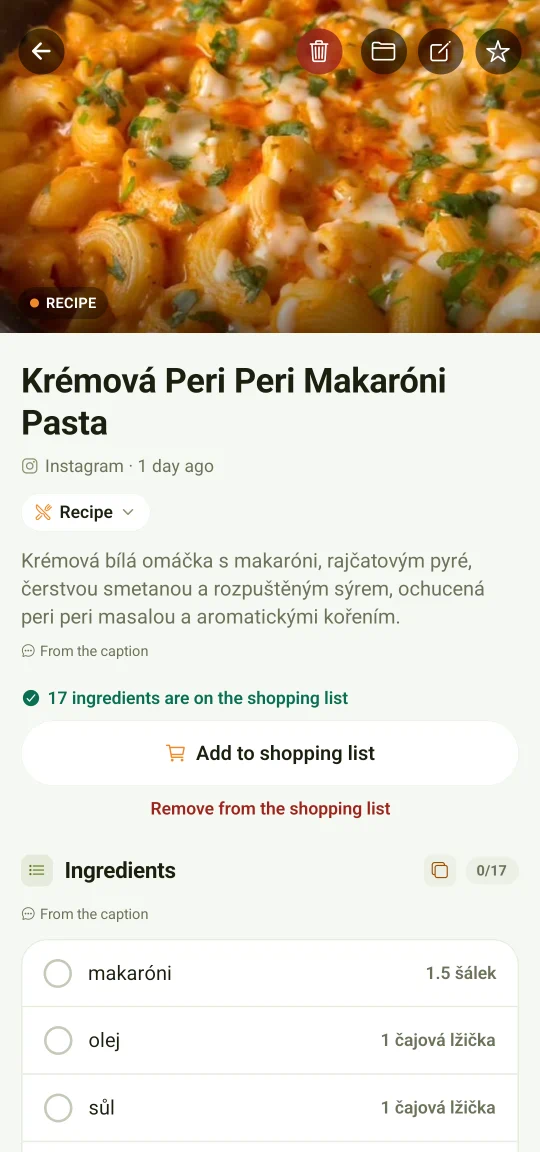
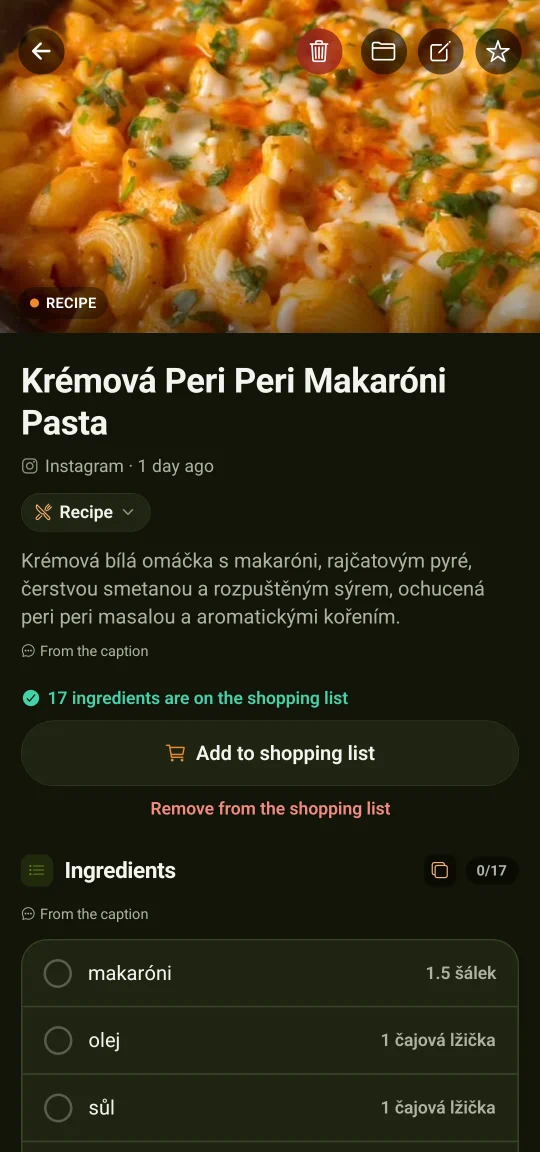
A loop: tapping a saved item opens the recipe — photo, description, ingredients.
Ingredients and steps lifted out of the post and shown in your language, even when the original was in another one.
Cook mode. The screen stays awake, the steps come one at a time, and they are large enough to read from the other side of the kitchen.
Servings rescale the whole recipe. Change the number of servings and the entire ingredient list is recalculated — and with it whatever this recipe already put on your shopping list.
Whatever it got wrong, you fix. Ingredients and steps can both be rewritten, so the recipe ends up the way you actually cook it.
One tap sends the ingredients to the list. In the shop it follows the aisles instead of the recipes, so you walk the store once.
Aisles, or recipes. The same list in two views: by the aisles of the shop, or split by the recipes the items came from. One tap switches between them.
A widget on the home screen. The list is there without opening the app, and you tick things off straight from the home screen.
Works with no signal. Whatever you tick off in the shop while offline stays on the phone and settles up the moment you are back online.
Send it to whoever is shopping. The whole list goes out as a message to whoever happens to be closer to the shop.
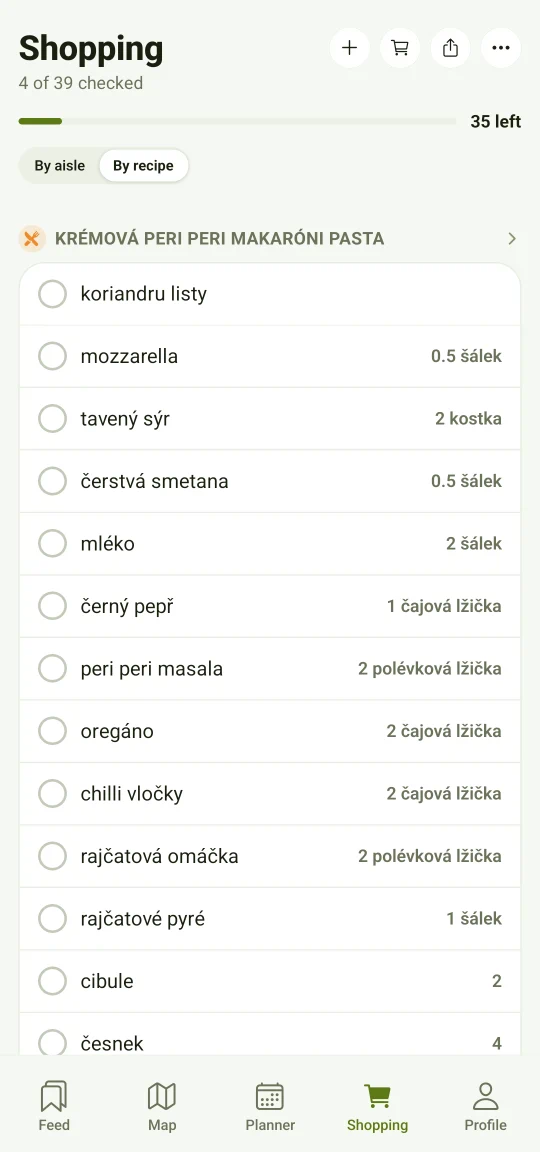
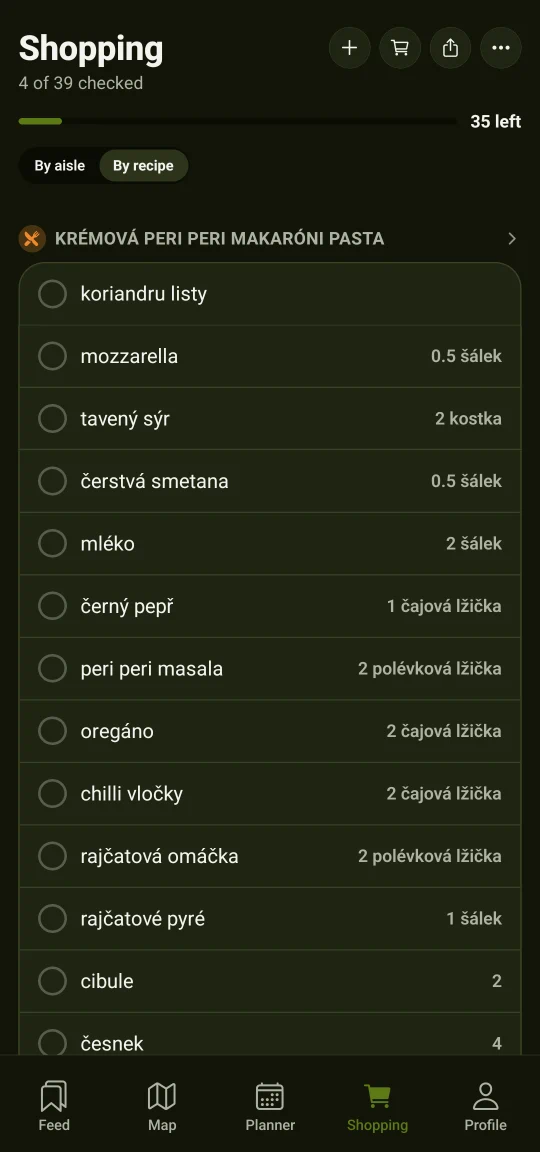
A loop: the number of servings is picked, the amounts recalculate, and seventeen ingredients go to the shopping list.
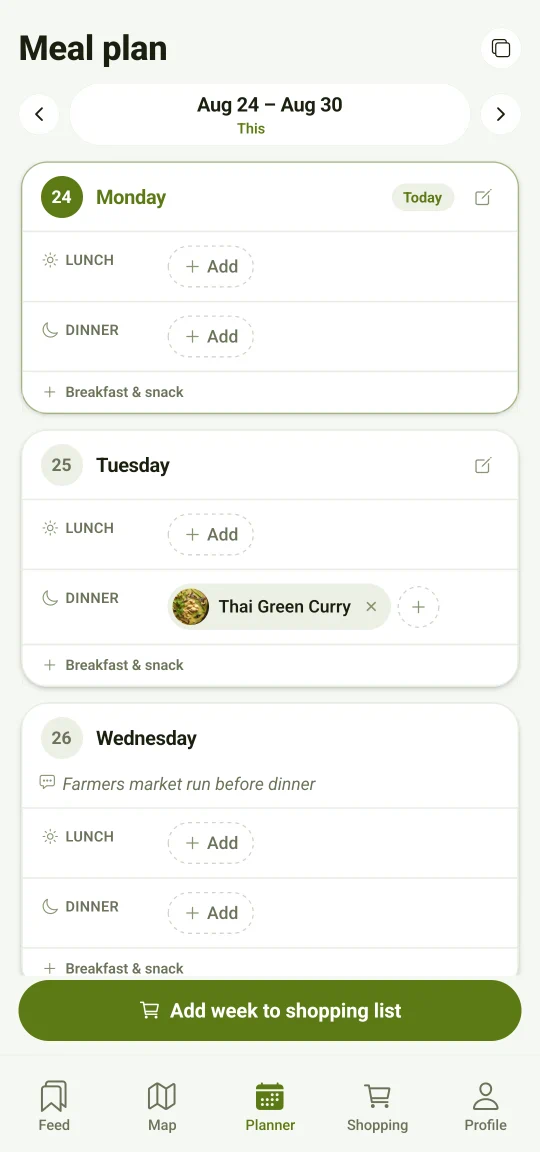
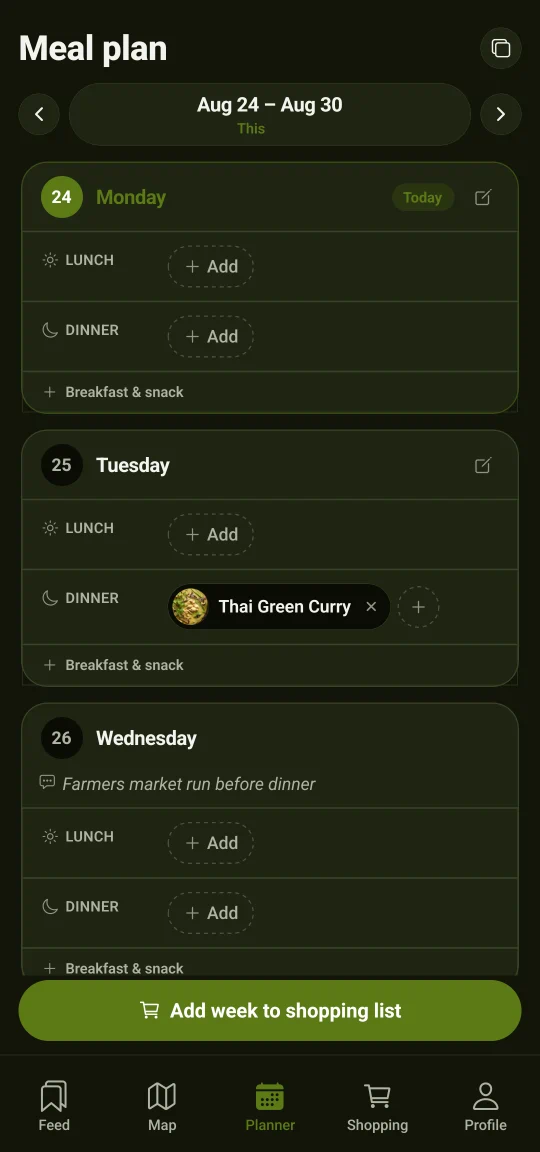
Drop recipes onto days — breakfast, lunch, dinner and a snack. A week put together this way is one you can shop for and cook from without deciding what is for dinner all over again.
A whole week to the list in one move. The ingredients of everything you planned go to the shopping list at once, and anything that repeats is added up into one line instead of two.
Copy a week onto the next one. A week that worked is planned again with one tap, and you only change the days you want different.
It remembers what you never cooked. The planner offers back the recipes that have been sitting in your saved things for months.
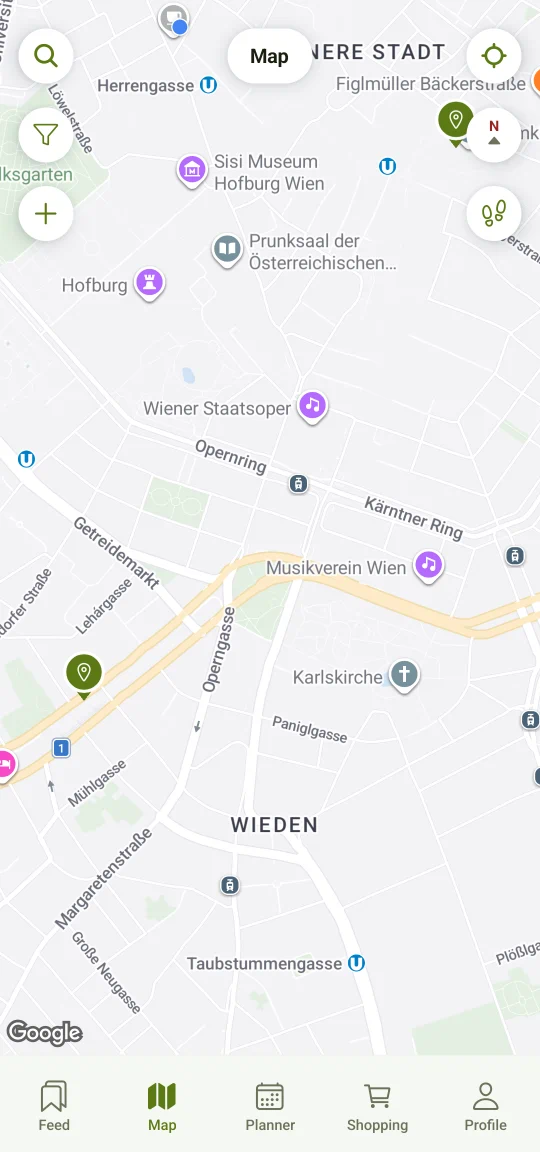
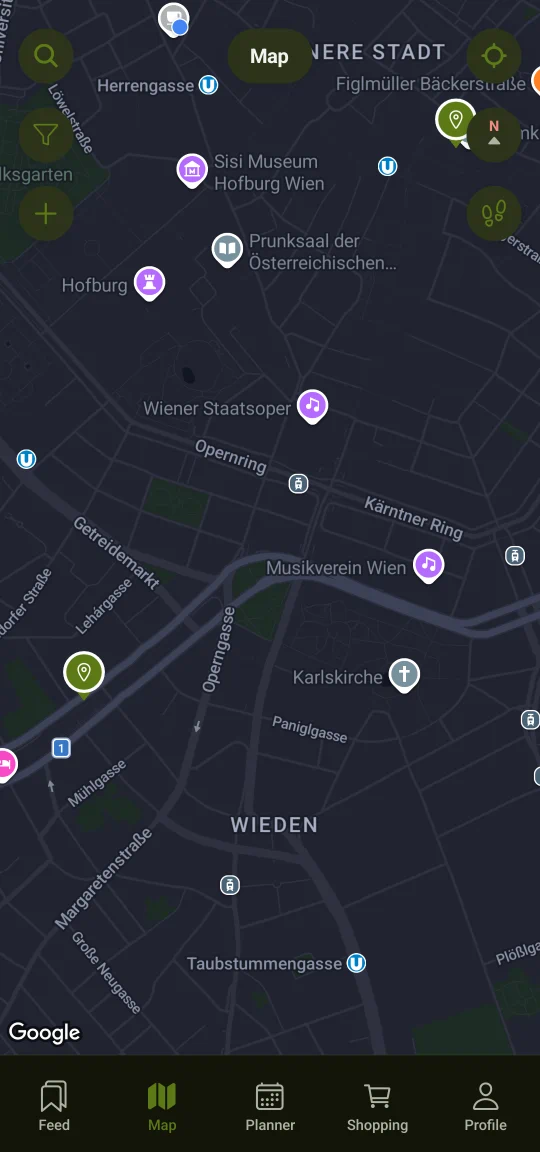
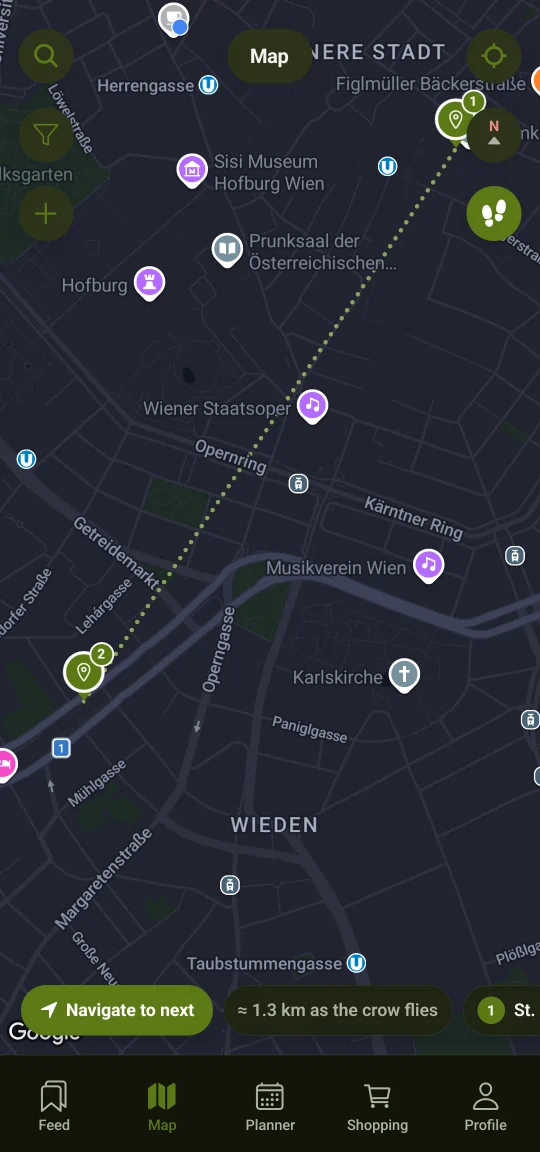
A restaurant, a café or a viewpoint arrives as a pin with an address and directions. The map is private to you — nobody else can look at it.
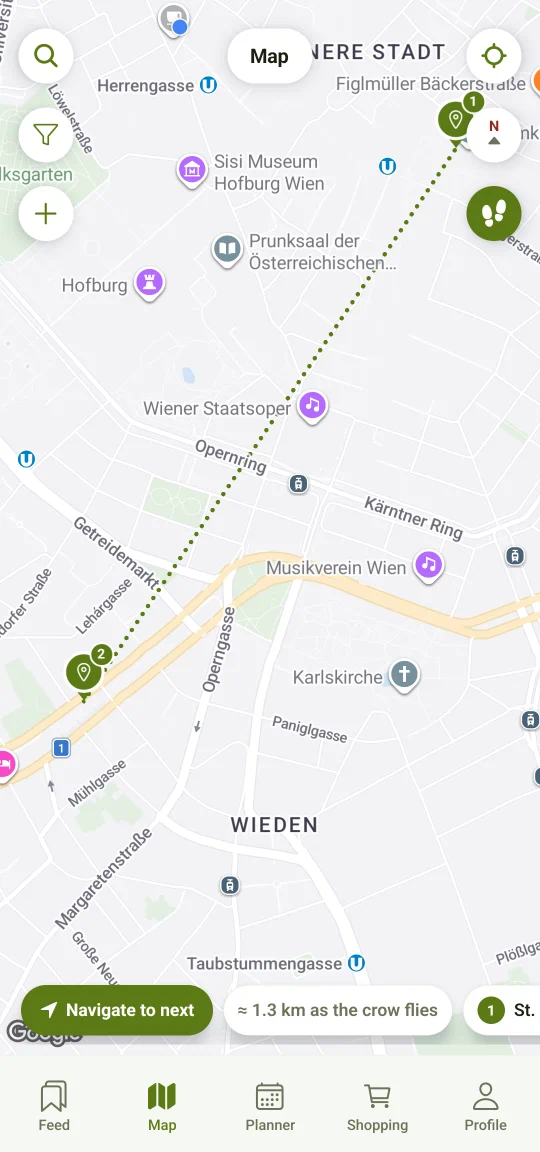
Trip mode. Several saved places join into one route, and after each stop the app points you at the next one.
Nearby place alerts. Optional. StashFlow nudges you when you pass a place you saved six months ago. Your location is compared with your saved places on the phone itself and never leaves it.
Visited and not visited. Tick off where you have already been, and the filter shows only what the city still owes you.
Your shopping list is matched against the range at Košík.cz, Rohlík.cz, Knuspr, Gurkerl or Kifli. You tick the products and amounts you want and StashFlow puts them into your cart. You see every line before anything moves.
Checkout and payment are always completed by the customer directly with the shop, on their own account — StashFlow never completes an order.
Recipes are the start. The rest of the “saved” folder has a place in the app too.
Filed where you will find them again — as cards with everything that belongs to them, not as a link in a list.
Search ignores accents and filters by kind and tag, and anything you look for often can be kept as a saved view.
Twelve colour themes and a text size you set yourself. Until you tell it otherwise the app follows whatever the system is doing.
An optional fingerprint or screen lock on the app itself. And everything you have saved exports into a single file whenever you want it.
English, Czech, Slovak, Polish, German, Hungarian, Italian, French, Spanish and Portuguese. The language switches independently of the one your phone is set to.
No ads, and nothing about you is sold to anyone. Diagnostics stay off until you switch them on, and they never send anything you saved. You can lock the app with your fingerprint and export everything you have saved as a JSON file whenever you like.
Get it from Google Play. Android, no ads. Saving and living in your library is free for good, and so are 10 smart conversions a month; Pro takes the count off. There is no form to fill in and there will not be one — you tap the link and you are in the store.